
Laptop Requirements by Role: What Working With HackerRank Teaches Us About Business Laptop Procurement
Match business laptops to the work your teams actually do, from engineering and design to sales, finance and HR.

A software engineer and a sales executive might work for the same company, but they don't need the same laptop.
The engineer could be running development environments, local databases and several applications simultaneously. The sales executive might spend the day switching between customer calls, presentations, email and CRM software.
Give both employees the same expensive laptop, and the company may be paying for performance one of them doesn't need.
Give both a basic laptop, and the engineer might struggle to get work done.
This is one of the decisions businesses face when purchasing laptops for employees across different departments.
At Assetze, we work with HackerRank on laptop procurement and IT support.
HackerRank is a global technology hiring platform with employees across the US, UK and India. Its teams span engineering, product, business and people operations.
For a company with different roles and working locations, laptop procurement involves more than choosing a brand and placing an order.
The hardware needs to match the employee's work, meet company IT requirements and remain manageable after delivery.
Our experience supporting businesses like HackerRank provides a useful starting point for understanding how companies should approach laptop procurement.
Let's look at what different departments actually need, where businesses tend to overspend and how to make better purchasing decisions.
The first mistake: Buying laptops based on job titles
Consider the engineering function at a technology company like HackerRank.
A frontend developer, backend engineer and AI researcher all work in engineering.
But their hardware requirements can be very different.
A frontend developer might primarily use a code editor, browser and cloud-hosted tools.
A backend engineer may run Docker containers, databases and local services.
An AI researcher might need specialised computing resources or access to cloud-based GPUs.
Buying the same high-performance laptop for all three isn't necessarily efficient.
But choosing a standard configuration without understanding their work can be equally problematic.
The same issue exists in design, finance, sales and HR.
The right question isn't "What laptop does this designation need?" It's "What does this employee need their laptop to do?"
That small change can make purchasing decisions much more useful.
Engineering: Why the most expensive laptop isn't always the best one
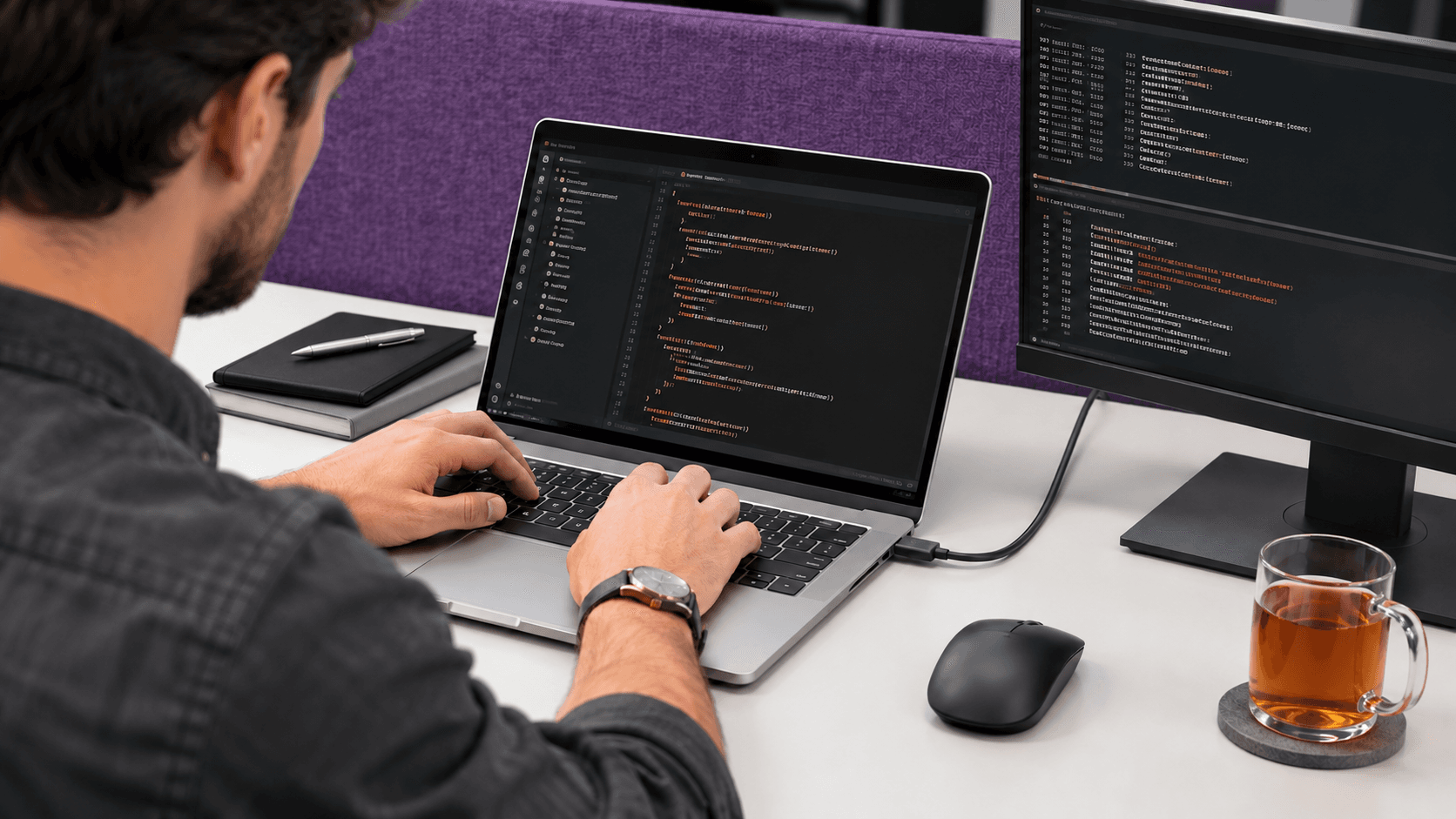
Engineering teams are often assigned the highest laptop budgets.
Sometimes that's justified.
But the processor alone doesn't determine whether a laptop is suitable for development.
Memory, storage, operating system compatibility and the development environment can matter just as much.
Consider three engineering workloads
| Engineering role | Typical workload | Hardware to evaluate |
|---|---|---|
| Frontend developer | IDE, browsers, development tools | 16 GB RAM, 512 GB SSD |
| Backend developer | Containers, local databases, multiple services | 32 GB RAM, 512 GB–1 TB SSD |
| AI/ML engineer | Data processing, model development, specialised tools | Workload-dependent RAM, GPU and storage |
These are illustrative starting points, not HackerRank's internal laptop specifications.
For example, a backend developer using multiple containers may benefit more from additional RAM than from a premium display.
An engineer working almost entirely in cloud development environments may not require the same local hardware.
What should procurement ask?
Instead of asking whether the engineer prefers an i7, Ryzen or MacBook Pro, ask:
Which applications and development environments will you run locally?
This reveals whether the employee needs more memory, processing power, storage or specialised hardware.
IT should also check operating system and processor compatibility before approving the device.
A laptop can have excellent specifications and still be unsuitable if essential development tools don't run correctly.
Design: The difference between Figma and 4K video editing
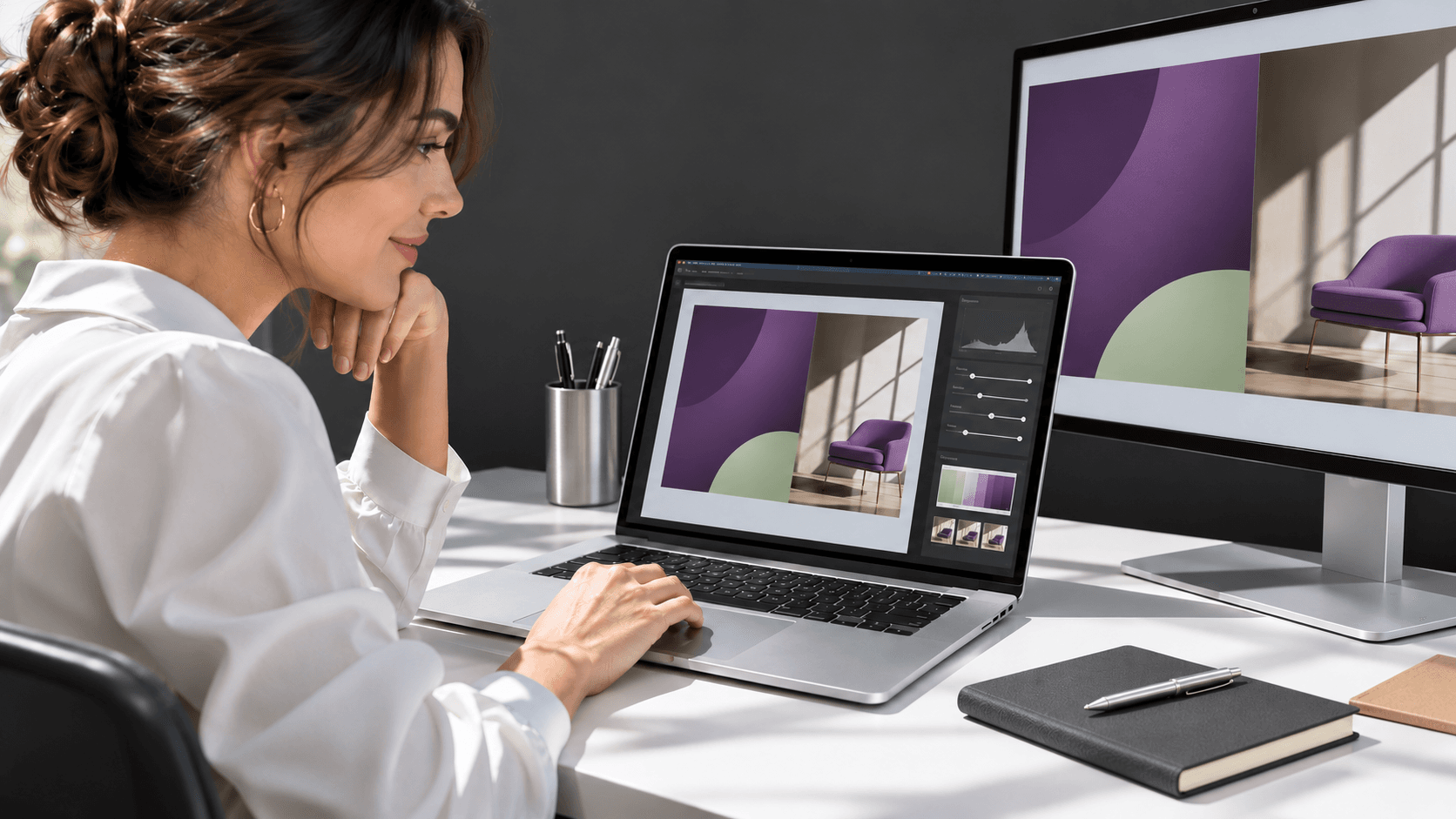
Imagine two designers working at the same company.
One creates product interfaces in Figma.
The other edits high-resolution video and works with motion graphics.
Both are designers, but buying identical laptops may not make sense.
The first may work comfortably on a capable business laptop with a good display.
The second may require more memory, faster storage and suitable graphics hardware.
How design requirements differ
| Type of design work | Main requirements |
|---|---|
| UI/UX design | 16 GB RAM as a starting point, display quality, multitasking |
| Graphic design | RAM, display accuracy, application compatibility |
| Video editing | 32 GB RAM or more for demanding projects, GPU, fast storage |
| 3D modelling | Compatible GPU, VRAM, CPU and memory |
The exact requirements depend on the software and project complexity.
For example, video-editing requirements can change substantially depending on the resolution and format of the footage.
Where companies can spend more effectively
Sometimes the best investment isn't a more expensive laptop.
For a designer working primarily at a desk, a suitable external monitor may make a bigger difference than a processor upgrade.
For someone editing video, additional memory and storage may be more valuable than an ultra-lightweight chassis.
The question to ask: What applications and file types will the employee work with?
Sales: A lightweight laptop can be more valuable than a powerful one

Sales employees may spend hours on video calls, presentations, CRM platforms and email.
Some travel frequently, while others work primarily from an office.
For many sales roles, a modern business laptop with 16 GB RAM and 256–512 GB SSD storage can be a reasonable starting point.
But the specifications alone don't tell the whole story.
Consider an account executive who regularly travels to customer meetings.
A lighter laptop with dependable battery performance and a good webcam may be more useful than a heavier device with a high-end processor.
What matters for sales?
Portability, battery performance, reliable connectivity, video-call quality and a comfortable keyboard are often important considerations.
A sales employee who works extensively with large reports or analytical tools may need a different configuration.
That's why even within sales, there shouldn't be an automatic one-size-fits-all policy.
The question to ask: How often does the employee travel, and what applications do they use throughout the day?
Finance: The real requirement is hidden inside the spreadsheet
Finance employees often receive standard business laptops.
For routine accounting, reports and cloud-based financial applications, that may be sufficient.
But consider a financial analyst working with complex Excel models, large datasets and reporting applications.
That employee may need more RAM than a colleague handling routine transactions.
Finance requirements by workload
| Workload | Configuration to evaluate |
|---|---|
| Routine accounting | 16 GB RAM, 512 GB SSD |
| Complex Excel modelling | 16–32 GB RAM |
| Large datasets and analytics | 32 GB or more where justified |
Software compatibility is particularly important.
Some accounting applications, Excel add-ins and reporting tools have specific operating system requirements.
Before approving a MacBook or a Windows laptop using a different processor architecture, IT should confirm that the employee's essential applications will work.
The question to ask: Which finance applications and add-ins does the employee rely on, and how large are the files?
HR: Reliable performance matters more than premium specifications
HR employees typically work with recruitment platforms, employee records, spreadsheets, documents and video conferencing.
For many HR roles, 16 GB RAM and suitable SSD storage are practical starting points.
A recruiter conducting several interviews a day may place greater importance on the webcam, microphone and connectivity.
An HR analyst working with substantial datasets may require more memory.
The important distinction is between what the employee actually needs and what might simply be nice to have.
Security also matters.
HR employees may access sensitive personnel and compensation information. Their laptops should meet company requirements for encryption, access controls and device management, regardless of price.
The question to ask: Which HR systems does the employee use, and how much of the role involves interviews, reporting or sensitive records?
The laptop matrix: A starting point for five departments
| Department | RAM to evaluate | SSD storage | Additional priorities |
|---|---|---|---|
| Engineering | 16–32 GB or more | 512 GB–1 TB | Development tools, compatibility |
| Design | 16–32 GB or more | 512 GB–1 TB | Display, graphics, creative software |
| Sales | 16 GB | 256–512 GB | Portability, battery, webcam |
| Finance | 16–32 GB | 512 GB | Software compatibility, large models |
| HR | 16 GB | 256–512 GB | Collaboration, reliability, security |
These are general procurement guidelines, not confirmed specifications used by HackerRank.
They help narrow the options before IT reviews individual requirements.
What a company like HackerRank illustrates about laptop procurement
The interesting part of supporting a company with different technical and business functions is that the laptop purchase is only one part of the requirement.
There are other questions businesses need to answer.
What happens when an approved model is unavailable?
Who decides whether an employee needs an upgrade?
How does the company track laptops after delivery?
What happens when someone leaves?
These are the questions that turn laptop purchasing into IT management.
1. Don't standardise every employee onto one device
A better approach is to create a small number of approved configurations.
For example, a company might maintain a standard business configuration, an advanced configuration and a specialised workstation category.
IT can approve exceptions where the employee's work requires them.
This makes procurement more consistent without forcing every department to use unsuitable hardware.
2. Keep technical decisions with IT
HR can share the employee's role, joining date and location.
IT can approve the hardware requirements.
Procurement can then source a device that meets those specifications.
This separation reduces the risk of selecting hardware based only on price, employee preference or available stock.
3. Have an alternative when the preferred model is unavailable
An approved laptop may not always be available in every market.
A company headquartered in the US may have a preferred model that isn't immediately available for an employee in India.
Rather than substituting a device without review, procurement should share the alternative configuration with IT.
The replacement should meet the company's performance, software, security and warranty requirements.
4. Think about the laptop after delivery
A laptop may remain in use for several years.
During that time, the employee may need support, repairs or replacement equipment.
When the employee leaves, the device may need to be retrieved and assessed for reassignment.
Maintaining accurate asset records helps the company understand which devices it owns and whether suitable equipment is available before purchasing more.
The 32 GB RAM request: How should companies decide?
Suppose an engineer requests a laptop with 32 GB RAM.
The company's standard configuration has 16 GB.
Should the request be approved?
It depends on the employee's applications.
If they run multiple local development environments, 32 GB may be justified.
If their work primarily involves lightweight applications and cloud-hosted tools, the standard configuration may be sufficient.
The better approach is to review the workload rather than approve or reject the request based on designation.
This is particularly useful when a company purchases laptops for several employees at once.
A difference of ₹15,000 per laptop across 20 devices represents ₹3 lakh in additional spending.
That's an illustrative calculation, not an actual HackerRank purchasing figure or guaranteed saving.
The point is that small configuration decisions become more significant when repeated across an organisation.
Why laptop retrieval matters as much as procurement
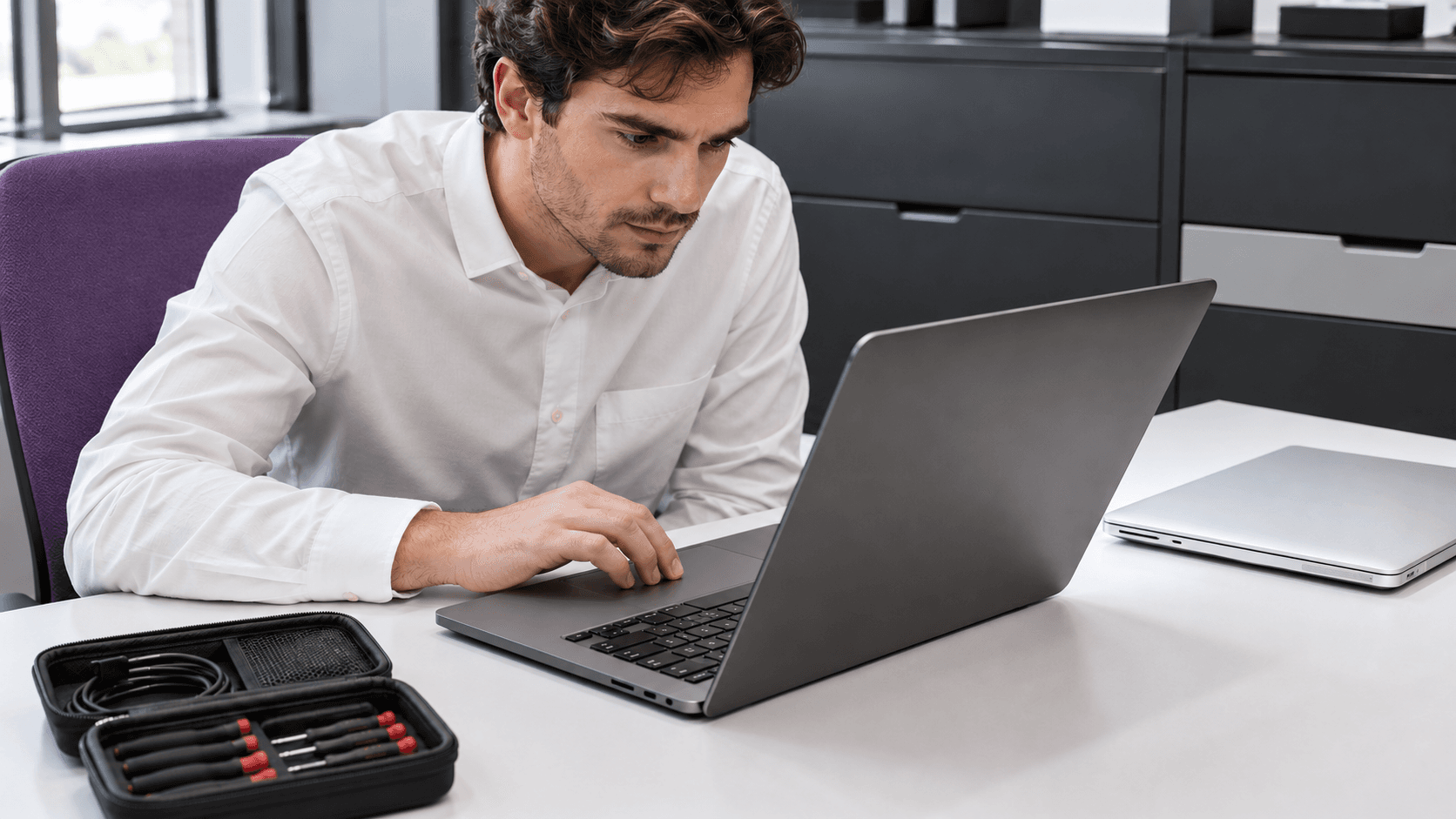
Consider an employee who leaves the company and returns a laptop with 32 GB RAM.
The device may still be in good condition.
Before purchasing another laptop, IT can assess whether that returned device is suitable for a new employee.
The assessment should include hardware condition, battery health, operating system support, security requirements and warranty.
The organisation should also follow its approved data-erasure procedures before reassignment.
Not every returned laptop will be suitable for reuse.
But a company that tracks its equipment can make better purchasing decisions than one that treats every new employee as a completely new hardware requirement.
How Assetze supports HackerRank
HackerRank is one of the companies Assetze works with for laptop procurement and IT support.
The relationship reflects the type of work Assetze does for businesses with different employee requirements and locations.
Our services cover sourcing new and certified refurbished laptops, procurement, device configuration, delivery and ongoing IT support.
We also provide inventory management, repairs, device retrieval and e-waste services.
For businesses managing employees across India, these services help connect the initial laptop purchase with the ongoing responsibilities of managing employee equipment.
Rather than treating procurement, support and retrieval as unrelated activities, companies can work with one Assetze team across the device lifecycle.
The exact services and processes depend on each customer's requirements.
A checklist before purchasing laptops for your team
Before approving the next batch of laptops, check:
- What applications will each employee use?
- Does the device support the required operating system?
- Is the RAM sufficient for the employee's workload?
- Does the role need dedicated graphics hardware?
- Is the storage suitable for the applications and files?
- Does the device meet the company's security requirements?
- Is the model approved, or does it require an exception?
- Are acceptable alternatives available?
- Can an existing device be reassigned?
- Are delivery locations, warranty terms and accessories confirmed?
These questions give IT and procurement a clearer basis for choosing laptops.
Frequently asked questions
How much RAM should software engineers have?
16 GB may be suitable for lighter development work, while 32 GB or more can be useful for developers running containers, databases and demanding local environments.
Do designers need dedicated graphics cards?
Not always. UI/UX and lighter design work may run well on integrated graphics. Certain video-editing, 3D and rendering applications require more capable graphics hardware.
What laptop specifications are suitable for sales employees?
For many sales roles, 16 GB RAM, suitable SSD storage, reliable connectivity, good battery performance and portability are practical starting points.
Do finance employees need powerful laptops?
It depends on their work. Routine accounting may run comfortably on standard business hardware, while large financial models and analytics workloads may justify additional memory.
Can HR employees use refurbished laptops?
Yes, provided the devices meet the company's performance, security, condition and warranty requirements.
Should companies purchase the same laptop for every employee?
Not necessarily. A small set of approved configurations with justified exceptions is often more practical than giving every employee identical hardware.
The right laptop isn't the most expensive one
A developer doesn't automatically need the most powerful laptop.
A sales executive doesn't automatically need the cheapest one.
And two employees with the same designation don't necessarily need identical devices.
The right laptop depends on the work it needs to support.
That's the approach businesses should take when building a laptop procurement strategy across engineering, design, sales, finance and HR.
At Assetze, our work with companies such as HackerRank is part of our experience supporting laptop procurement and IT requirements for growing teams.
If your company is hiring across departments or locations, share your employee requirements, approved configurations and delivery locations.
We'll help you evaluate suitable new or certified refurbished laptops and arrange procurement based on your needs.
More on Procurement

Procurement
HP Laptops for Businesses in India: Choosing the Right Devices for Growing Teams
Compare HP ProBook, EliteBook and ZBook laptops, choose configurations for different employee roles, and plan procurement and device support in India.

Procurement
Dell Laptops for Businesses in India: Procurement and Delivery for Global Teams
A practical guide for global teams buying Dell laptops for employees in India, covering corporate procurement, configuration, delivery, warranty and ongoing device management.
Procurement
MacBooks for Businesses in India: Procurement and Delivery for Global Teams
A guide to procuring MacBooks for employees in India, covering configurations, bulk orders, Apple Business enrolment, delivery and ongoing IT support.