
HP Laptops for Businesses in India: Choosing the Right Devices for Growing Teams
Compare HP ProBook, EliteBook and ZBook laptops, choose configurations for different employee roles, and plan procurement and device support in India.

A company hires 40 employees over three months. Some work in sales, some in finance, a few are engineers, and the leadership team travels regularly.
Everyone needs a laptop. But should everyone receive the same one?
A standard laptop might work perfectly well for an HR executive handling documents, spreadsheets and video calls. A designer working with large files may need considerably more processing power. Someone who spends most of their week travelling might value a lighter device and longer battery life.
Choosing the wrong configuration can create two problems. The company either spends more than necessary on hardware employees won't fully use, or purchases devices that struggle with the work they're expected to handle.
For businesses hiring in India, especially those with headquarters in the US, UK or Europe, these decisions also affect procurement budgets, device standards and long-term IT management.
HP offers several business laptop families, including ProBook, EliteBook and ZBook, designed for different working requirements.
The challenge is knowing which range makes sense for your team, what specifications actually matter and how to purchase those devices efficiently.
This guide covers how to choose HP laptops for business use in India, compare configurations, plan bulk purchases and manage equipment as your company grows.
Why businesses should choose laptops based on employee roles
When a company is small, laptop purchasing is often straightforward.
An employee joins, someone approves a budget, and a device is ordered.
As the team grows, this approach becomes harder to manage.
Different employees may receive different configurations even when their work is similar. Some laptops may be more expensive than necessary, while others may need upgrading sooner than expected.
A better starting point is to understand what employees actually use their laptops for.
For example, consider a growing company with four broad employee groups.
| Employee group | Typical work | What matters most |
|---|---|---|
| HR, finance and operations | Documents, spreadsheets, business applications and meetings | Reliable everyday performance |
| Sales and customer success | CRM tools, presentations, calls and frequent travel | Portability, battery life and connectivity |
| Software development | Development tools, local environments and multitasking | Processor, memory and storage |
| Design and engineering | Creative applications, technical software and large files | Application-compatible performance and graphics |
These categories aren't rigid.
A finance analyst working with large datasets may need more memory than someone handling routine accounting tasks. A developer using cloud-based tools may have different requirements from one running several local environments.
The point is to evaluate the work before selecting the laptop.
This makes it easier to choose suitable HP configurations without automatically purchasing the most expensive model for everyone.
HP ProBook vs EliteBook vs ZBook: What's the difference?
HP's business laptop portfolio covers everyday productivity, premium professional use and demanding technical workloads.
Understanding the main differences helps procurement teams narrow their choices before comparing individual models.
HP ProBook: For everyday business requirements
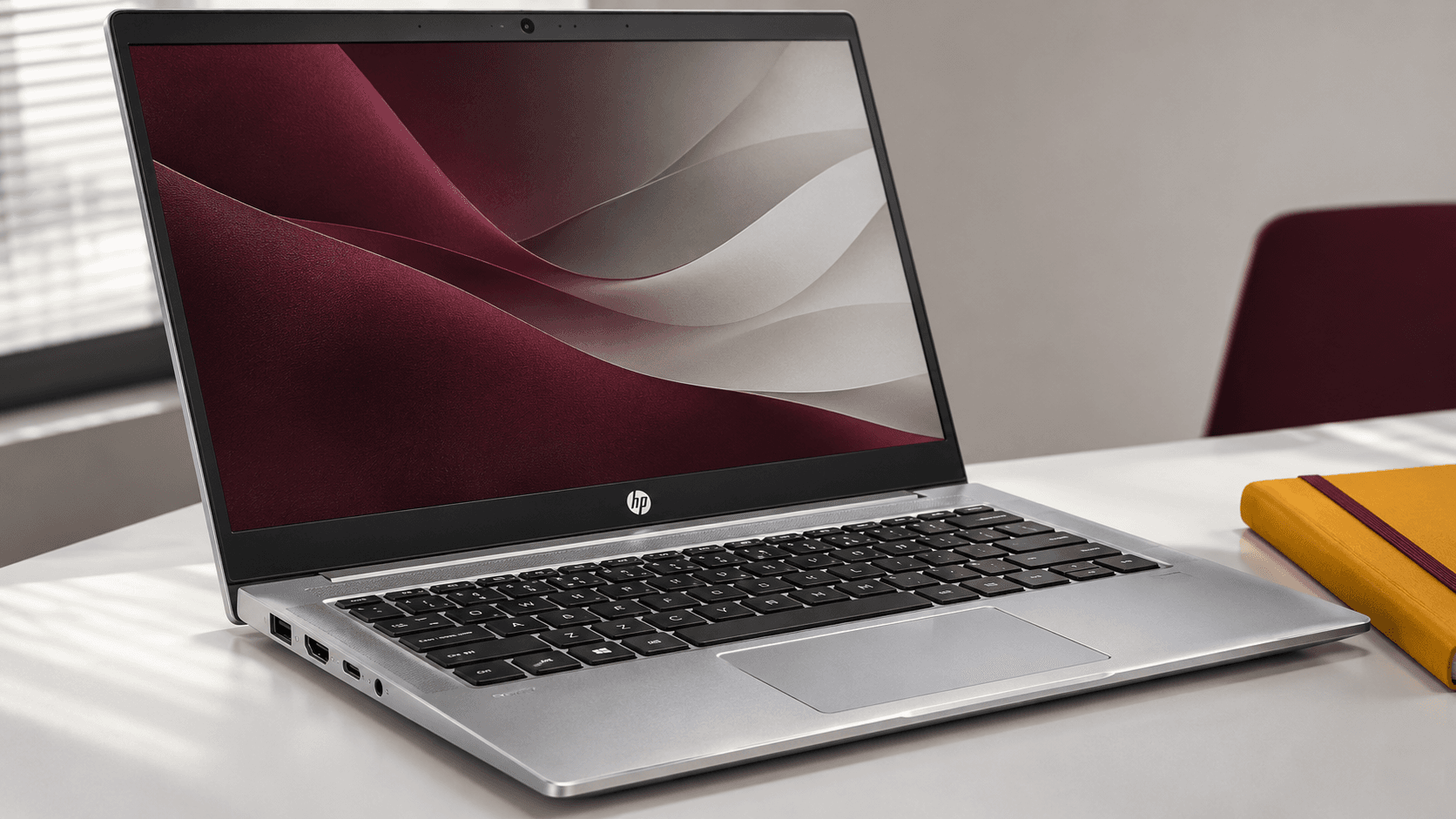
HP ProBook laptops are designed for business productivity, with features intended for professional use and IT management.
They are worth considering for employees working with office applications, browsers, communication tools and standard business software.
For example, a company purchasing laptops for a new HR or operations team could evaluate ProBook configurations before moving to higher-priced options.
HP's current business portfolio includes the ProBook 4 family, while older ProBook 400-series devices may still appear in existing company fleets.
A ProBook isn't automatically the cheapest suitable choice, and not every configuration offers identical features. The exact processor, memory, display and warranty should be reviewed before ordering.
HP EliteBook: For mobility, collaboration and premium business needs
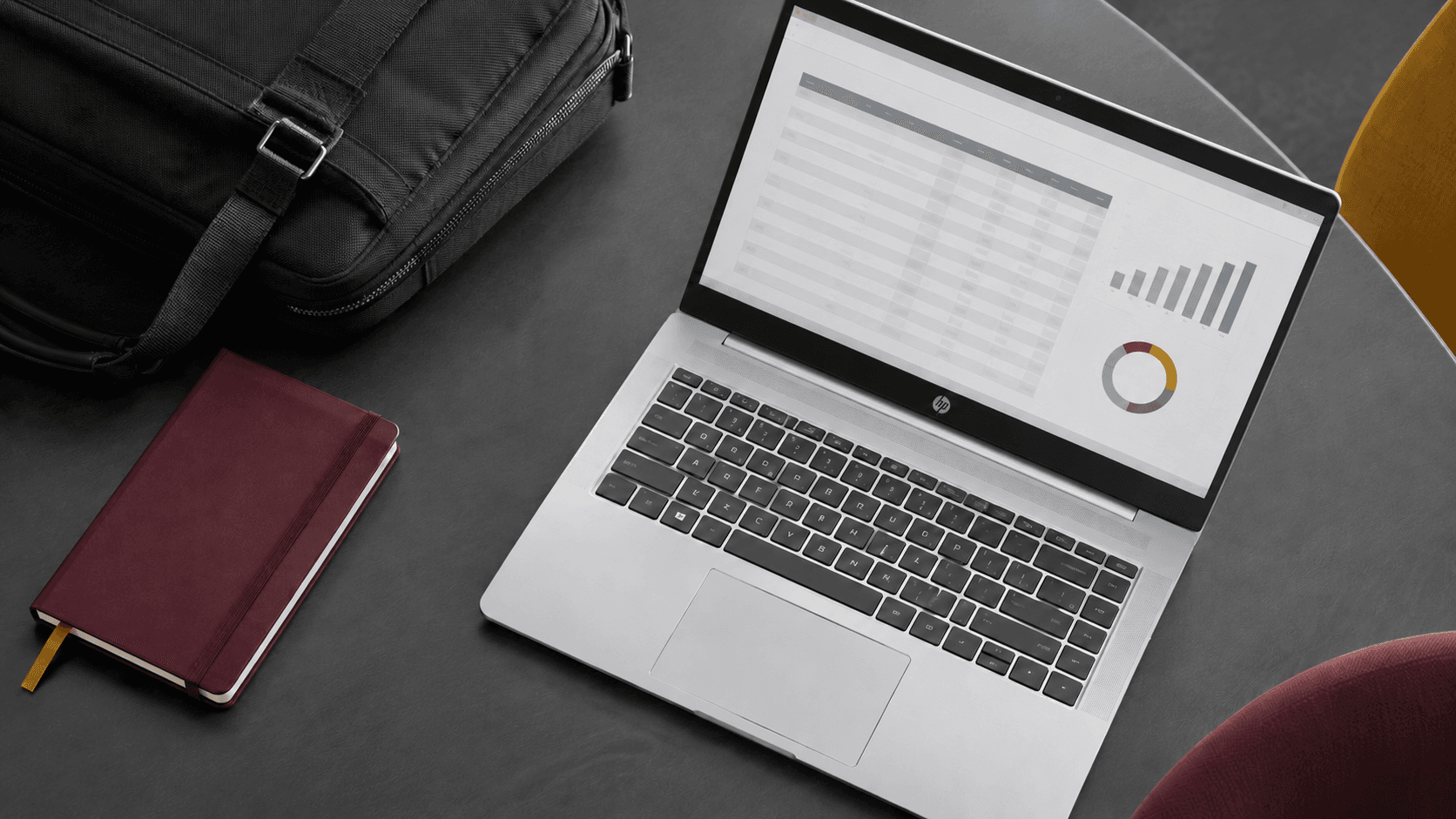
HP EliteBook laptops are positioned for business users who need a combination of portability, performance, collaboration features and enterprise-oriented security options.
They may be suitable for managers, consultants, sales professionals and employees who travel regularly.
HP's current portfolio includes EliteBook 6, EliteBook 8, EliteBook X and EliteBook Ultra families.
The differences between these models go beyond appearance. Depending on the configuration, businesses can compare weight, display quality, connectivity, processor options and security features.
For an employee who works from multiple locations, these details may matter more than choosing the highest processor tier.
HP ZBook: For demanding professional applications
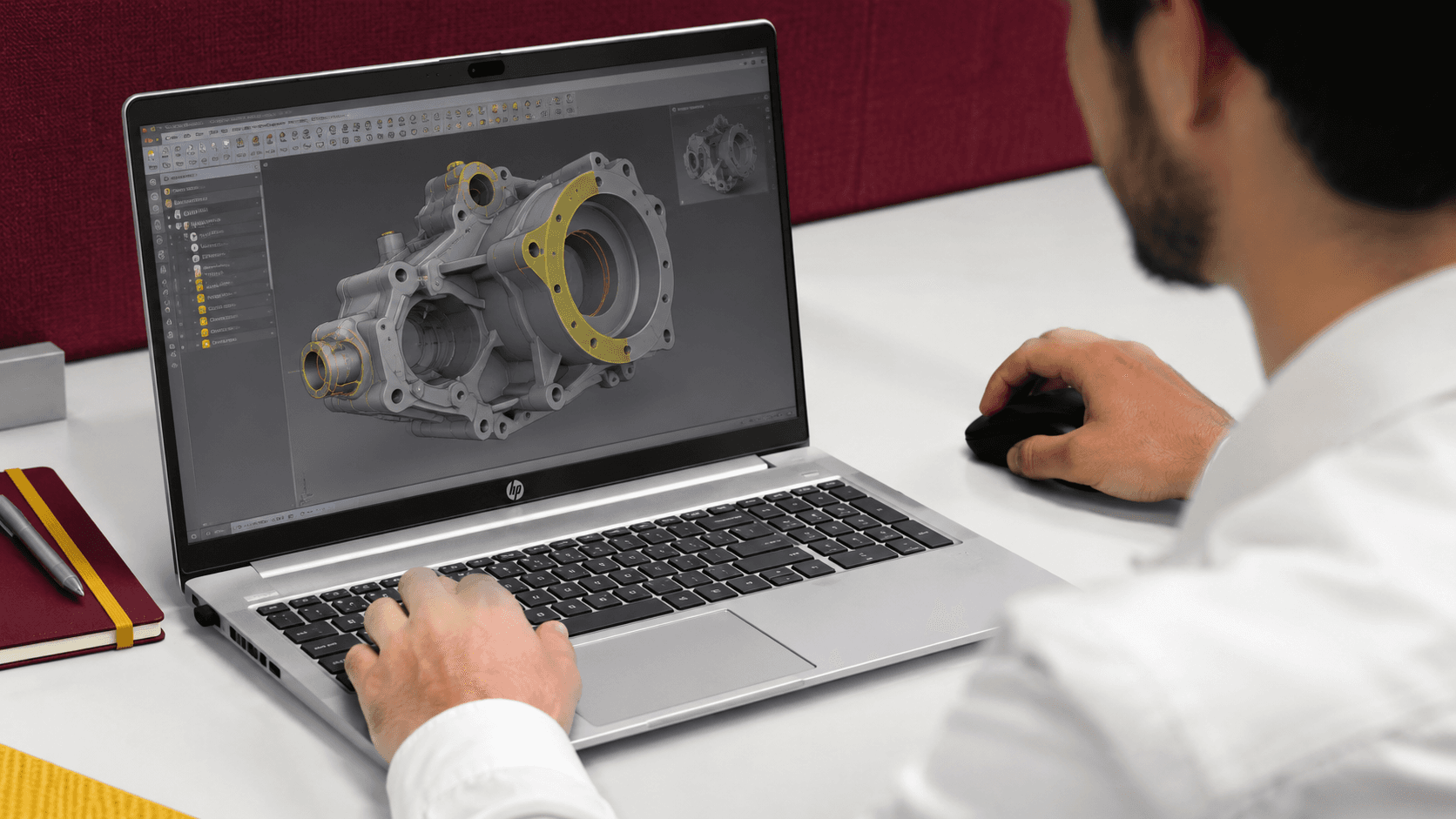
HP ZBook laptops are mobile workstations intended for more demanding professional workloads.
They may be appropriate for engineers, designers, architects and technical employees using specialised software.
However, buying a workstation only makes sense when the employee's applications require its capabilities.
Before selecting a ZBook, the IT team should check the recommended specifications and any relevant hardware certifications for the software being used.
A designer working mainly with lightweight browser-based tools may not need the same device as an engineer working with complex 3D models.
Quick comparison
| HP laptop family | Best starting point for | Main purchasing consideration |
|---|---|---|
| ProBook | General business users and growing teams | Everyday performance and value |
| EliteBook | Mobile professionals, managers and enterprise users | Portability, business features and configuration |
| ZBook | Engineers, designers and technical specialists | Application requirements and workstation performance |
HP's India website provides more information about these business laptop families and their intended uses.
How much RAM and storage should a business laptop have?
A laptop's model name doesn't tell you everything about its performance.
Two HP EliteBook laptops can have different processors, memory capacities and storage configurations.
For business purchasing, these differences are often more important than the product family alone.
RAM: Think about the applications employees use together
An employee may have several browser tabs open while attending a video call, working on spreadsheets and using internal applications.
For many modern business workflows, 16 GB RAM is a sensible configuration to evaluate.
Employees working with large datasets, development environments, virtual machines or demanding creative applications may benefit from 32 GB or more.
These are planning guidelines rather than universal requirements.
The company's actual applications and IT standards should determine the final specification.
Storage: Don't pay for capacity employees won't use
A 512 GB SSD can be a practical starting point for many business users.
However, employees handling large media files, technical projects or substantial local datasets may require more storage.
Cloud storage can reduce the need for local capacity, but it doesn't eliminate it for every role.
Before purchasing, check whether employees store large files locally and whether their applications require significant free space.
Processor: Match performance to the workload
HP business laptops are available with different Intel, AMD and, in selected ranges, Qualcomm processor options.
The processor choice should account for the employee's applications, performance requirements and compatibility needs.
A newer or more expensive processor isn't necessarily the best choice for every employee.
For example, a business that relies on a particular Windows application should verify compatibility before approving a different processor architecture.
Other specifications worth checking
Processor, RAM and storage aren't the only considerations.
Businesses should also review screen size, keyboard layout, webcam, ports, wireless connectivity, weight and operating system edition.
A 14-inch laptop may be convenient for employees who travel frequently. Someone working with large spreadsheets may prefer a bigger display or an external monitor.
The right decision depends on how the employee works.
How to avoid overspending on HP laptops as your team grows
Consider a company planning to hire 60 employees.
If every employee receives a laptop that costs ₹10,000 more than their role requires, the additional hardware spend would be ₹6 lakh.
That's an illustrative calculation, not a claim about HP pricing or the savings a company will achieve.
The example shows why hardware standards matter when purchasing at scale.
There are several ways to make those decisions more consistent.
Create a small set of approved laptop configurations
Instead of approving dozens of different devices, an IT team can define a few configurations based on employee requirements.
For example:
| Internal configuration | Intended use | Illustrative specifications |
|---|---|---|
| Standard business | HR, finance, operations and general office work | 16 GB RAM, 512 GB SSD, approved business processor |
| Mobile professional | Sales, consulting and frequent travel | Lightweight business laptop, 16 GB RAM, 512 GB SSD |
| Advanced performance | Development and demanding multitasking | 32 GB RAM, 1 TB SSD where justified |
| Technical workstation | Engineering and specialised design | Application-approved processor, memory and graphics |
These are examples of how a company might structure its purchasing policy, not fixed HP product specifications.
The IT team can map suitable HP ProBook, EliteBook and ZBook models to each category.
This gives HR and procurement a clear starting point whenever a new employee joins.
Review requests that fall outside the standard
Some employees genuinely need different hardware.
A developer may need additional memory. A designer may require a particular graphics configuration. An employee who travels frequently may need a lighter laptop.
Rather than rejecting these requests, IT can review the reason and approve a suitable alternative.
This maintains consistency without making the purchasing policy unnecessarily restrictive.
Don't overlook accessories
The laptop is only part of an employee's working setup.
Depending on the role, employees may also need monitors, docking stations, keyboards, mice or adapters.
Including these requirements in the original purchase request helps procurement compare the complete equipment cost.
It also avoids repeated small purchases after onboarding.
What should businesses know about HP laptop security?
Security is an important consideration when choosing laptops for employees who access company information.
HP offers business security technologies across selected devices, including features marketed under HP Wolf Security.
Some business models also include HP Sure Start, a technology designed to help protect and recover supported system firmware.
However, security features vary by device and configuration.
A company shouldn't assume that every HP laptop includes the same protections simply because it belongs to the ProBook or EliteBook family.
Before ordering, IT should confirm the exact security features required by its organisation.
These may include compatible hardware security capabilities, supported operating system editions, authentication options and device-management requirements.
Built-in security doesn't replace company IT policies
Even when a laptop includes business security features, the organisation still needs appropriate access controls, software updates, endpoint protection and employee security practices.
For example, a laptop with a fingerprint reader doesn't automatically mean company data is fully protected.
The organisation must still configure the device according to its security requirements.
For companies managing employees remotely, device-management tools can help IT teams apply supported settings and manage enrolled equipment.
The procurement team should establish those requirements before purchasing, particularly when different laptop models or processor platforms are being considered.
Are HP AI laptops worth buying for business employees?
AI features are increasingly prominent in business laptop marketing.
HP offers AI-focused configurations across parts of its commercial portfolio, including selected ProBook and EliteBook models.
But should a company pay more for an AI PC?
That depends on what the employee needs to do.
An employee using email, spreadsheets, video calls and standard browser applications may not need specialised on-device AI capabilities.
Another employee may use software that can benefit from supported local AI acceleration.
The decision should start with the applications, not the AI label.
Three questions to ask before choosing an AI PC
Does the employee use software that benefits from local AI processing?
Check whether the relevant applications actually support the hardware capabilities being considered.
Does the device meet the company's existing software requirements?
The processor, operating system and application compatibility still matter.
Is the additional cost justified for the role?
A company should compare the configuration against an alternative that meets the same working requirements.
For businesses buying laptops in volume, this evaluation helps avoid paying for features that employees may not use.
HP's current India business listings include AI PC and next-generation AI PC configurations across several commercial ranges.
Buying HP laptops in bulk in India: What should businesses compare?
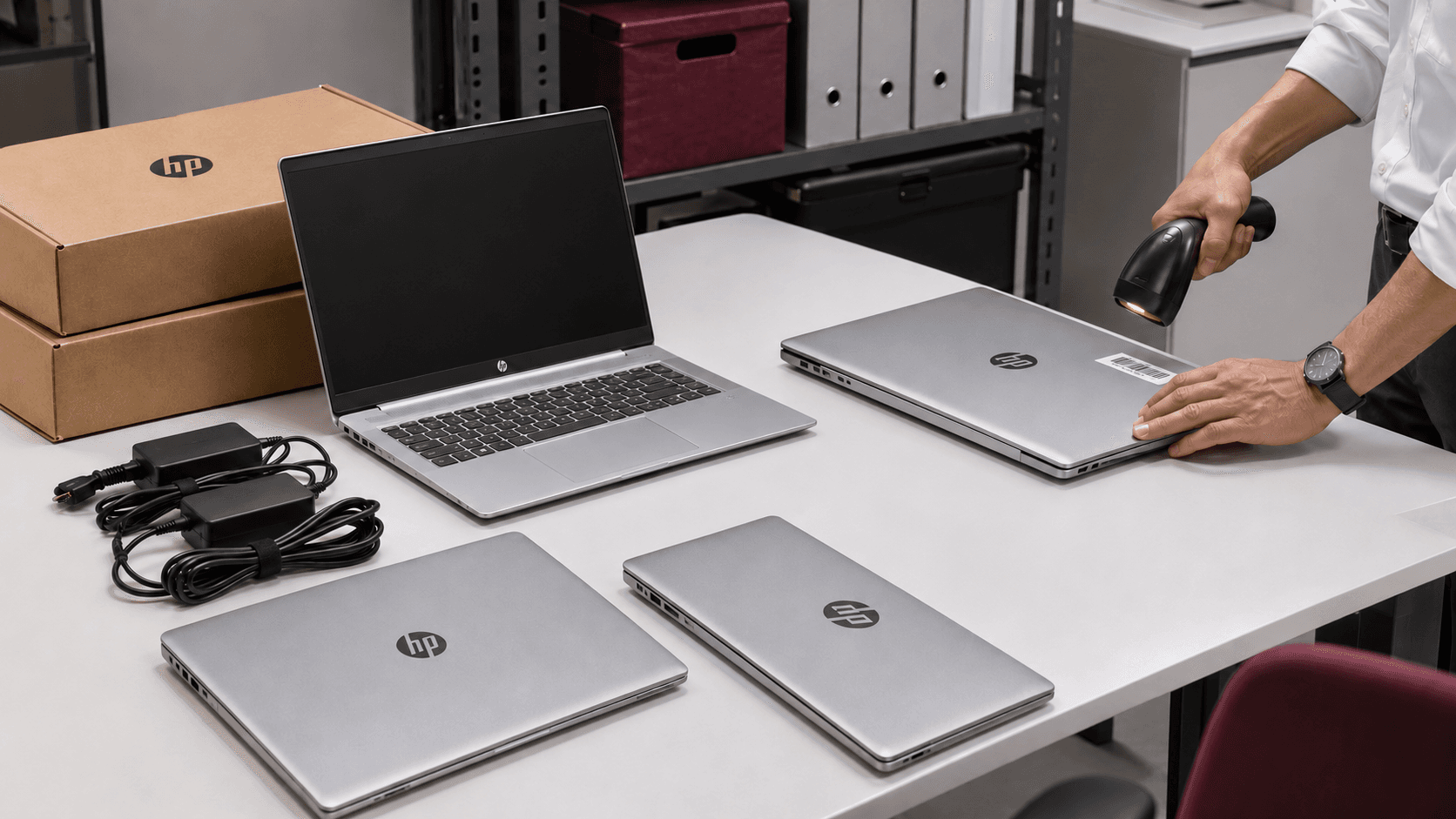
Once the company has identified suitable configurations, the next step is procurement.
Businesses can purchase HP laptops through HP's business sales channels or corporate IT procurement providers.
For bulk orders, the purchasing decision should consider more than the quoted price per laptop.
A useful quotation comparison includes:
| Item | What to check |
|---|---|
| Exact model | Full HP model name and product number |
| Specifications | Processor, RAM, SSD, display and operating system |
| Quantity | Number of devices required per configuration |
| Availability | Stock and expected lead time |
| Warranty | Included coverage and service terms |
| Delivery | Locations and associated charges |
| Configuration | Any agreed software or device preparation |
| Accessories | Monitors, docks and other equipment |
| Commercial terms | Taxes, payment terms and quotation validity |
The product number is particularly useful because two laptops with similar names may have different specifications.
When comparing quotations, ask suppliers to identify the exact configurations being offered.
This reduces the risk of approving a device that looks equivalent on paper but doesn't meet the company's requirements.
Can businesses get corporate discounts on HP laptops?
Assetze offers discounted corporate pricing on eligible HP laptop orders.
Pricing depends on the model, configuration, quantity, availability and current commercial terms.
A company purchasing 30 laptops may receive a different quotation from one purchasing three.
There isn't a single discount percentage that applies to every HP business laptop.
For a meaningful comparison, procurement should request a quotation based on its approved specifications and expected order quantity.
Is it better to purchase all laptops at once?
Not always.
A company hiring 50 employees over six months may not need all 50 laptops immediately.
Purchasing in batches can be practical when joining dates are spread out or recruitment plans may change.
Buying a larger quantity at once may be worth considering when commercial terms are favourable and the company has a clear plan for storing, preparing and assigning the devices.
The right approach depends on hiring certainty, budget, availability and internal IT policies.
How global companies can purchase HP laptops for employees in India
A business headquartered in the US, UK or Europe may have a central IT team responsible for approving employee hardware.
But the employees receiving those laptops could be based in Bengaluru, Hyderabad, Pune or other Indian cities.
In these situations, local procurement can be an alternative to shipping every laptop from headquarters.
Purchasing locally may reduce the need for international shipping and customs coordination, provided the approved HP configuration is available in India.
The overseas IT team can continue to define the hardware standards.
For example, a US-based IT manager can share an approved HP EliteBook configuration, the required quantity and the employees' delivery locations.
Assetze can review the requirement, check sourcing options and provide a quotation for procurement in India.
After purchase approval, delivery and any agreed device preparation can be coordinated.
For companies with employees across several countries, Assetze also offers international IT procurement and support services, subject to the requirements and available arrangements in each location.
What information should you send for a quotation?
A complete request should include the preferred HP models, specifications, quantities, delivery cities and required dates.
If the company needs software configuration, accessories or particular warranty arrangements, those details should be included as well.
Providing the requirements together makes it easier to compare available options and identify issues before placing an order.
Managing HP laptops after purchase
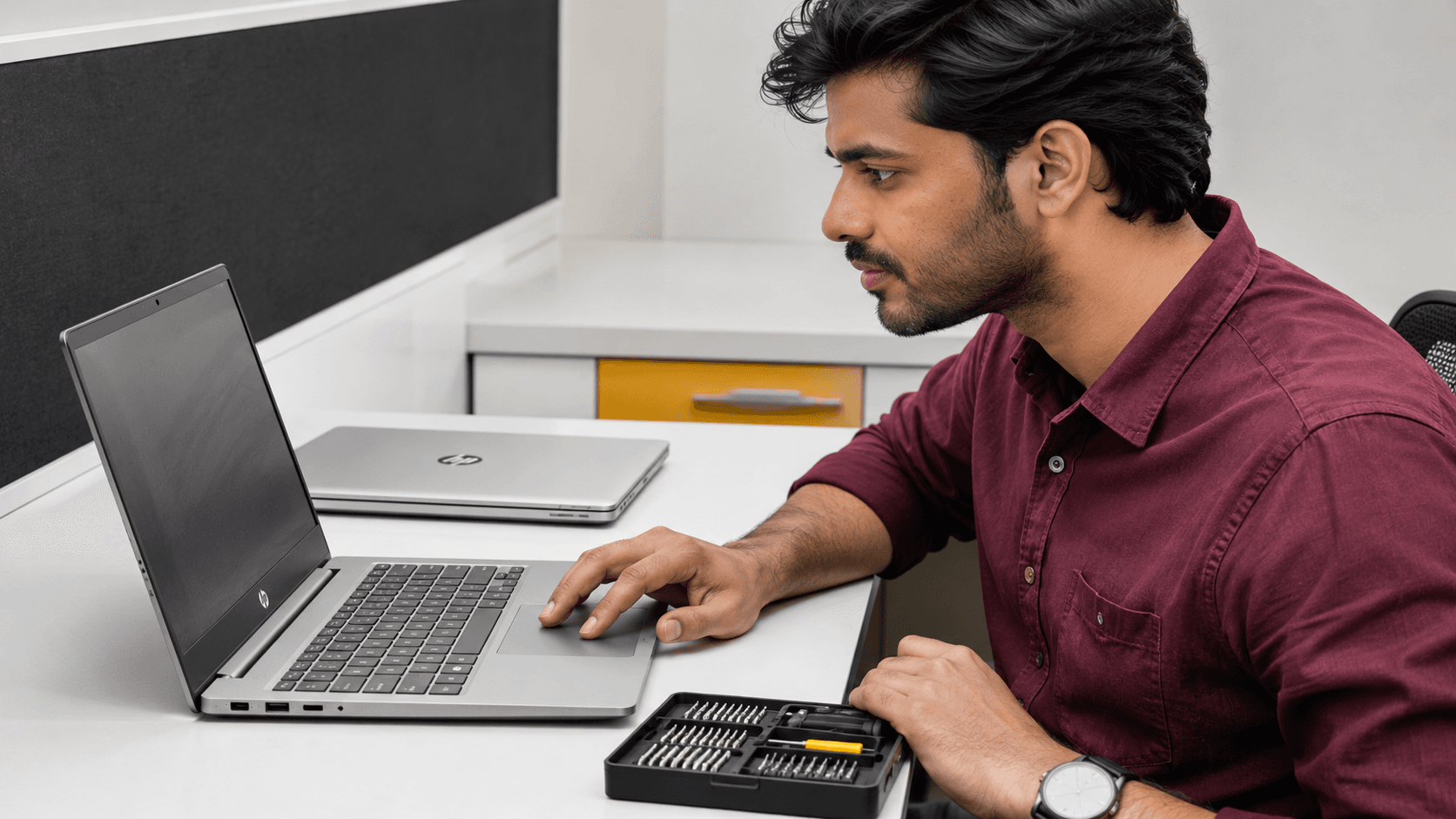
A laptop may remain in service for several years, during which the employee's role or location may change.
The company also needs a way to identify devices when employees request support.
HP laptops have identifying information, including serial numbers and product numbers, that can help IT teams locate model-specific support information.
Recording these details in the company's asset inventory makes equipment easier to track.
A useful record includes the device model, serial number, assigned employee, purchase date, location and warranty details.
Checking warranty and support information
HP provides an official support website where businesses can find product-specific resources and warranty information.
Before purchasing, confirm which warranty and service options are included with the selected model.
For international businesses, support arrangements should also be checked for the country where the laptop will be used.
Manufacturer warranty coverage and company IT support are separate considerations.
An eligible hardware issue may fall under the purchased warranty, while employee access problems, internal software and company security settings are typically managed by the organisation's IT team or an IT services provider.
Repairs, replacements and device retrieval
As the laptop fleet grows, companies should also plan how devices will be repaired, replaced and recovered.
If an employee's laptop fails, IT needs to identify the device, assess the issue and determine the appropriate support route.
When an employee leaves, the company may need to retrieve the laptop, follow approved data-security procedures and assess whether the device can be reassigned.
Assetze provides IT support, repairs, inventory management, device retrieval and e-waste services, helping companies manage equipment beyond the initial purchase.
New or refurbished HP laptops: Which should businesses choose?
Not every business has the same hardware budget.
Some companies prefer purchasing new laptops for all employees. Others may consider certified refurbished business devices for selected roles.
A refurbished HP EliteBook or ProBook may be worth evaluating when it meets the organisation's performance, security and support requirements.
However, refurbished devices should be assessed carefully.
The company should check the exact model generation, hardware condition, battery health, supported operating system, warranty and available service arrangements.
A lower purchase price is useful only when the device remains suitable for the employee's work.
For teams running demanding applications or requiring particular hardware capabilities, newer configurations may be more appropriate.
Assetze supplies new and certified refurbished laptops, allowing businesses to compare options based on their requirements and budgets.
Frequently asked questions
Which HP laptop is best for business use in India?
The right HP laptop depends on the employee's role. ProBook is a starting point for everyday business requirements, EliteBook is worth considering for premium and mobile professional use, and ZBook is intended for demanding technical applications. The final choice should be based on the exact configuration and software requirements.
What is the difference between HP ProBook and EliteBook?
HP ProBook focuses on business productivity and manageability, while EliteBook includes premium business options with additional mobility, collaboration and security features on selected configurations. Specifications and prices vary by model.
Can businesses buy HP laptops in bulk in India?
Yes. Businesses can purchase HP laptops in bulk through HP's business channels or procurement providers such as Assetze. Quotations depend on the models, specifications, quantities and availability.
Does Assetze offer discounted corporate pricing on HP laptops?
Yes. Assetze offers discounted corporate pricing on eligible HP laptop orders. The available pricing depends on the configuration, order quantity, stock and commercial terms.
Can a US or UK company buy HP laptops for employees in India?
Yes. International companies can arrange HP laptop procurement in India through Assetze. Their overseas IT teams can share approved specifications and employee delivery requirements to request a quotation.
Are HP ProBook laptops suitable for startups?
HP ProBook laptops can be suitable for startups and growing businesses whose employees primarily use standard business applications. The company should select configurations based on actual workloads rather than relying on the product family name alone.
Should businesses buy HP AI laptops?
AI PCs may be useful when employees run supported applications that benefit from their hardware capabilities. Businesses should evaluate software compatibility, performance requirements and cost before selecting an AI PC.
Can Assetze help with HP laptop delivery and IT support?
Assetze provides laptop procurement, delivery, configuration and IT support services based on the customer's requirements. Companies can also discuss inventory management, repairs and device retrieval.
Buy HP laptops for your business with Assetze
Whether you're equipping a new team, replacing ageing devices or planning a bulk HP laptop purchase, the first step is choosing hardware that fits your employees' work.
Assetze helps businesses source new and certified refurbished HP laptops, compare available configurations and arrange procurement for employees across India.
Companies can also access device configuration, delivery, IT support and asset management services based on their requirements.
Share your preferred HP models, specifications, quantities and delivery locations. The Assetze team can review availability, provide a corporate quotation and help you evaluate suitable options.
Select Get started below to request an HP laptop procurement quotation.
More on Procurement

Procurement
Dell Laptops for Businesses in India: Procurement and Delivery for Global Teams
A practical guide for global teams buying Dell laptops for employees in India, covering corporate procurement, configuration, delivery, warranty and ongoing device management.
Procurement
MacBooks for Businesses in India: Procurement and Delivery for Global Teams
A guide to procuring MacBooks for employees in India, covering configurations, bulk orders, Apple Business enrolment, delivery and ongoing IT support.

Procurement
Lenovo Laptops for Businesses in India: A Guide to Smarter Procurement for Global Teams
A guide to choosing Lenovo business laptops, comparing corporate quotations and planning procurement, configuration and delivery for employees in India.